
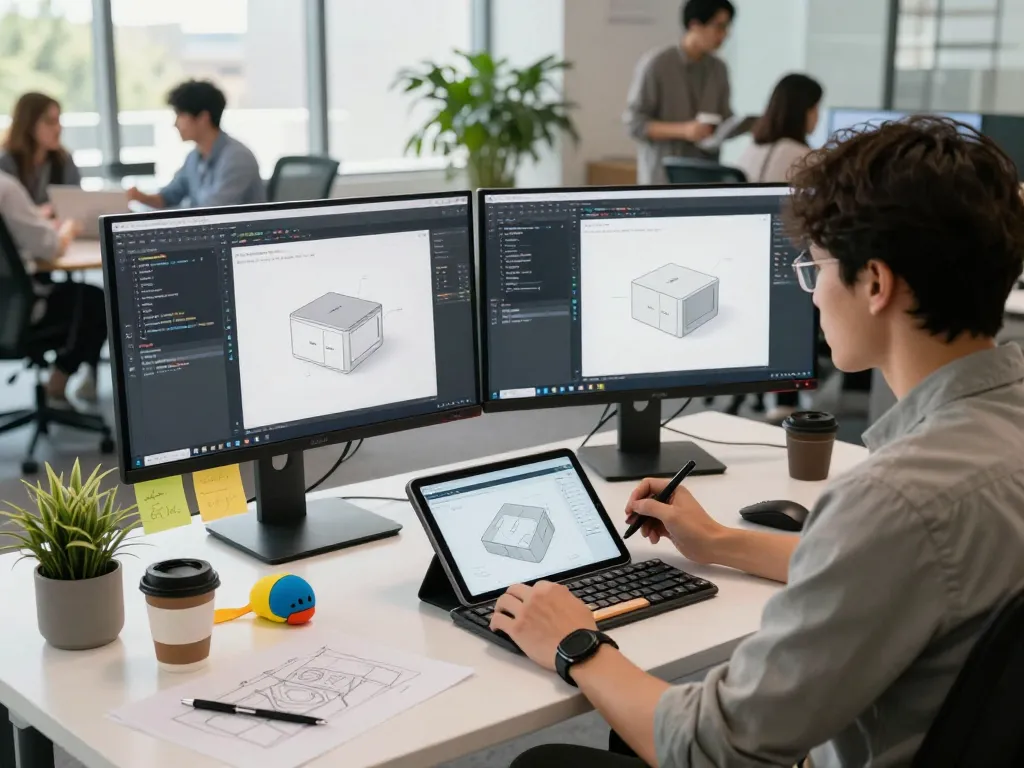
Understanding 3D Product Configurator Software
In today’s fast-paced eCommerce landscape, businesses must find innovative ways to engage customers and streamline the purchasing process. One of the most effective tools for achieving this is 3D product configurator software. This technology allows customers to visualize and customize products in a three-dimensional space, transforming the way they interact with brands. By enabling consumers to explore options visually, businesses can enhance user experience, reduce return rates, and ultimately increase sales.
What is a 3D Product Configurator?
A 3D product configurator is a digital tool that enables customers to personalize products by manipulating various attributes in real-time. Users can change colors, materials, sizes, and other customizable elements, seeing the changes reflected immediately in a 3D model. This immersive experience provides a better understanding of the product, helping customers make informed decisions. Many businesses utilize this technology to enhance their online stores, making shopping more interactive and engaging.
Key Benefits of Using 3D Product Configurator Software
Integrating a 3D product configurator into your business offers several advantages that can lead to improved customer satisfaction and increased sales:
- Enhanced Visual Experience: Customers can see a realistic representation of products before purchase, which reduces uncertainty.
- Personalization: Offering customization options empowers customers, making them feel more connected to the product.
- Increased Conversion Rates: Engaging product visuals can significantly boost conversion rates as customers are more likely to complete a purchase after personalized experiences.
- Reduced Returns: By allowing customers to visualize their choices, companies can minimize the chances of returns due to unmet expectations.
- Competitive Advantage: Offering a 3D configurator can differentiate your company from competitors who use traditional display methods.
Industries Benefiting from 3D Product Configurators
3D product configurators have transcended various industries, catering to diverse markets. Among them are:
- Furniture: Customers can customize furniture dimensions, colors, and fabrics to match their interiors.
- Fashion: Apparel brands can allow shoppers to mix and match styles and patterns, enhancing the shopping experience.
- Automotive: Car manufacturers use configurators to let customers select features, trims, and colors for their vehicles.
- Jewelry: Jewelry brands can showcase customizable options like gemstones, metals, and engravings.
- Consumer Electronics: Tech companies benefit by allowing users to customize designs for features and colors in their devices.
How to Choose the Right 3D Product Configurator Software
Choosing the right 3D product configurator software is crucial for ensuring that it meets your business needs and enhances customer experience. Here are essential factors to consider when making your selection:
Essential Features to Look For
When evaluating different configurator software options, consider the following features:
- User-Friendly Interface: A simple, intuitive interface ensures that customers can easily navigate the configurator without frustration.
- Integration Capability: The software should seamlessly integrate with your existing eCommerce platform and other business systems.
- Customization Options: Look for software that supports a wide range of customization features suitable for your products.
- High-Quality 3D Renderings: Ensure the software produces realistic and high-definition 3D models that accurately represent your products.
- Mobile Compatibility: With the increasing use of smartphones for shopping, having a mobile-friendly configurator is essential.
Comparing Popular 3D Product Configurator Solutions
Several companies offer 3D product configurator software, each with unique strengths. Here’s a brief comparison of some popular options:
- Simplio3D: A versatile solution that prioritizes ease of use and cost-effectiveness, ideal for small to medium-sized businesses.
- Zakeke: Known for its user-friendly interface, Zakeke allows customers to create custom products effortlessly without technical skills.
- Threekit: Offers advanced AI capabilities to automate and enhance the visual experience of product configurations.
- VividWorks: This software brings complex product options to life, helping users make decisions faster with engaging visuals.
Customization Capabilities and User Experience
The true power of a 3D product configurator lies in its customization capabilities. Customers should have the freedom to interact with different elements and personalize their products, which can lead to a more satisfying user experience. A focus on intuitive navigation and quick load times will also enhance customer retention.
Implementing 3D Product Configurator Software in Your Business
Successful implementation of 3D product configurator software requires careful planning and execution. Below is a step-by-step guide to help your business integrate this technology effectively:
Step-by-Step Guide to Integration
- Define Your Objectives: Clearly outline what you aim to achieve by implementing the configurator, be it increasing sales, improving customer engagement, or reducing returns.
- Select the Right Software: Based on your objectives, choose a configurator that aligns with your business needs.
- Collaborate with Stakeholders: Involve your marketing, IT, and sales teams to ensure everyone is on board and can provide valuable input.
- Customize the Configurator: Tailor the software to fit your product range and branding, ensuring it reflects your business identity.
- Test the System: Before going live, conduct thorough testing to identify and fix any potential issues that may hinder user experience.
- Launch and Monitor: Once launched, continually monitor user feedback and performance metrics to make necessary adjustments.
Training Your Team for Successful Usage
Providing comprehensive training for your team is crucial for ensuring they understand how to utilize the configurator effectively. This includes:
- Conducting workshops to familiarize team members with the software
- Creating user manuals and guides for reference
- Encouraging feedback and suggestions to improve functionality
Common Challenges and Solutions During Implementation
While integrating 3D product configurator software can be advantageous, several challenges may arise:
- Technical Issues: Have a dedicated IT team or external partner on standby to resolve technical problems quickly.
- Resistance to Change: Communicate the benefits of the configurator to staff to foster buy-in and enthusiasm.
- User Confusion: Ensure that your configurator has a user-friendly interface and provide ample support and resources for customers.
Real-World Case Studies of 3D Product Configurators
Analyzing successful implementations of 3D product configurators can provide valuable insights and inspire your approach. Here are some compelling case studies:
Success Stories from Different Industries
Numerous businesses have successfully integrated 3D product configurators into their offerings:
- Auto Industry: A leading car manufacturer saw a 30% increase in online sales after implementing a vehicle configurator, allowing customers to build their dream cars online.
- Furniture Retailer: A furniture company reported a 40% decrease in return rates after launching a configurator that let customers fully customize their pieces.
Lessons Learned from Implementing Configurators
From these success stories, several key lessons emerge:
- Prioritize user experience to ensure customer satisfaction.
- Regularly update the configurator to include new products and features.
- Analyze data to continually refine the customization options based on customer preferences.
Performance Metrics: How to Measure Success
To assess the effectiveness of your 3D product configurator, track the following performance metrics:
- Conversion rates before and after implementation.
- The average time spent on the configurator by users.
- Customer feedback and satisfaction scores.
- Return rates on customized products.
Future Trends in 3D Product Configurator Software
As technology evolves, so too will 3D product configurator software. Staying abreast of the latest trends can help your business maintain a competitive edge:
Emerging Technologies to Watch for in 2026
New technologies, including artificial intelligence and machine learning, will enhance the capabilities of product configurators. These advancements can offer more personalized experiences and predictive analytics to improve sales strategies.
The Role of Augmented Reality in Configurators
Augmented reality (AR) is set to revolutionize the way customers interact with products. By allowing users to visualize products in their own environment, AR can drive higher engagement and conversion rates.
Predictions for Market Growth and User Adoption
Industry analysts predict significant growth in the 3D product configurator market, driven by rising consumer demand for personalized shopping experiences. As more businesses adopt this technology, user adoption is expected to increase rapidly.
What Are the Benefits of Using AI in 3D Configurators?
Integrating AI into 3D product configurators can enhance user experiences in several ways:
- Personalization: AI can analyze customer preferences to suggest configurations tailored to individual tastes.
- Efficiency: Automated processes can speed up product rendering and improve response times, leading to a smoother customer experience.
- Data Insights: AI can provide valuable insights into consumer behavior and preferences, guiding future product development.